Your CUSTOMER ID# is a 6-digit code given to you when you enrolled and purchased your Enrollment kit.
Your Customer/Brand Partner ID# is found once you login in by clicking on the arrow next to your name at the top right side of your back office. Write down this number where you can easily access it. You can use your ID# for LifeWave InTouch app registration and Customer Service.
Loyalty Sample Program benefits with your
PC & PC+ Account
PC+ Customers Share Link
Your Preferred Customer Plus
Referral Link
STEP 1
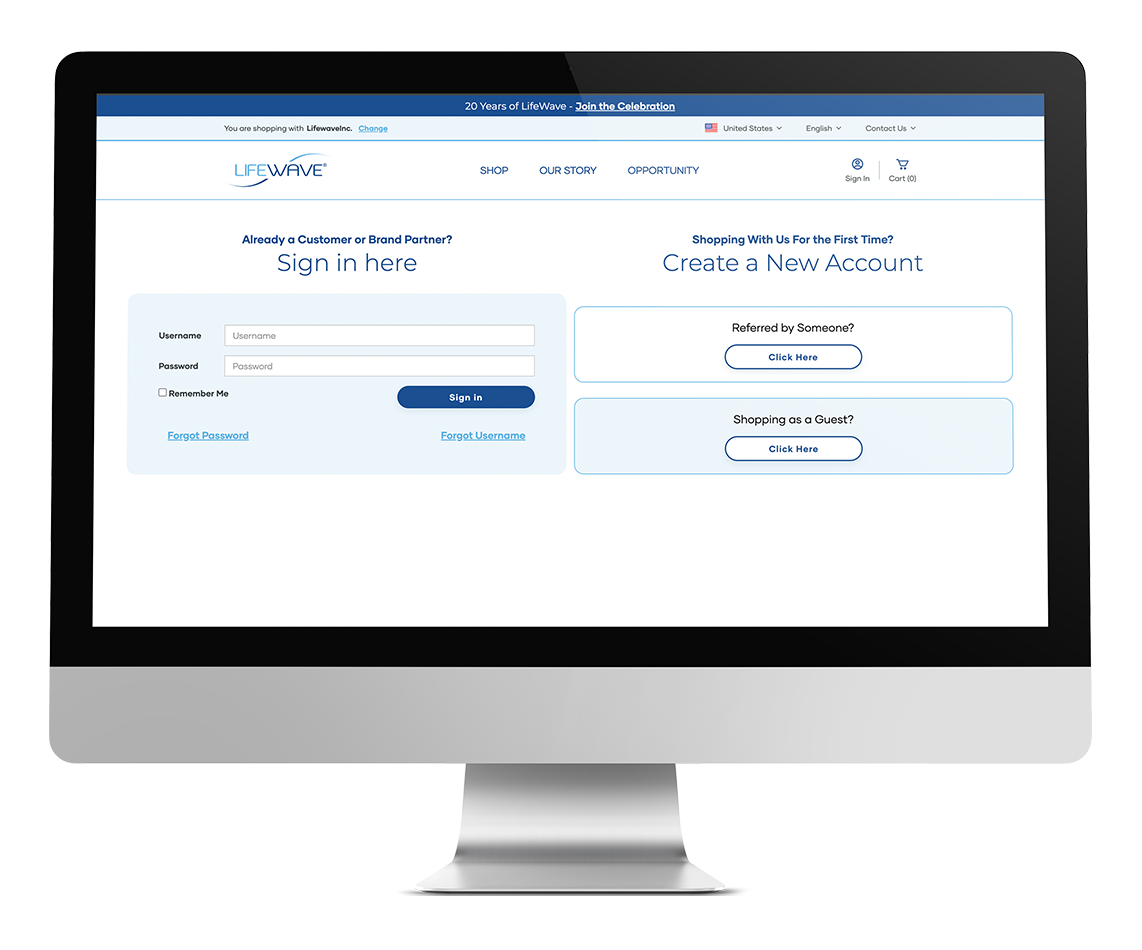
Login to your BackOffice at LifeWave.com with your LifeWave username and password.
STEP 2
In the Account Settings menu, click on “Pre-Populated Cart Builder.”
STEP 3
Click on “ADD NEW PRE-POPULATED CART.”
STEP 4
Name your cart and select a country, then click “ADD.”
Select the products you want to add to this virtual shopping cart by clicking on the pencil icon to the right of the product name in either the “Regular Order Item” menu or the “Autoship Items” menu. Select your quantity on the next screen, then click on “Save changes.”
STEP 5
When you’ve added all the products you’d like, click on “Go back to pre-populated cart builder” and then click the link icon in the “Go to link” column for the pre-populated cart you built. This will help you view the cart you’ve put together for your friends.
STEP 6
SHARE! Copy the link and share via email, social media, etc., or wherever you want to share the benefits of LifeWave products.
You’re now on your way to not only helping others live better, but you’re one step closer to receiving your $100/€95 product credit!
Your Monthly Subscription
Continue the Cellular Repair
Set Up AutoShip
Daily use of X39 gives you the greatest benefits for optimal health, wellness and overall vitality.
David Schmidt, our Inventor and Founder suggest we use X39 daily for a minimum of one month per decade of life for best results. For example, if you are 50 years old, a minimum of 5 months of daily X39 use will start deep repair and regeneration of your cells.
Use X39 daily to repair, regenerate and reverse aging every month and the benefits will continue to unfold.
Setup your monthly subscription when you enroll or change your subscription at any time from your back office under the MONTHLY SUBSCRIPTION ORDERS tab